Audience engagement

StagePulse™: turn your audience into the conversation.

One simple link for questions, polls, word clouds, reactions and feedback, with moderators in full control of what reaches the screen.
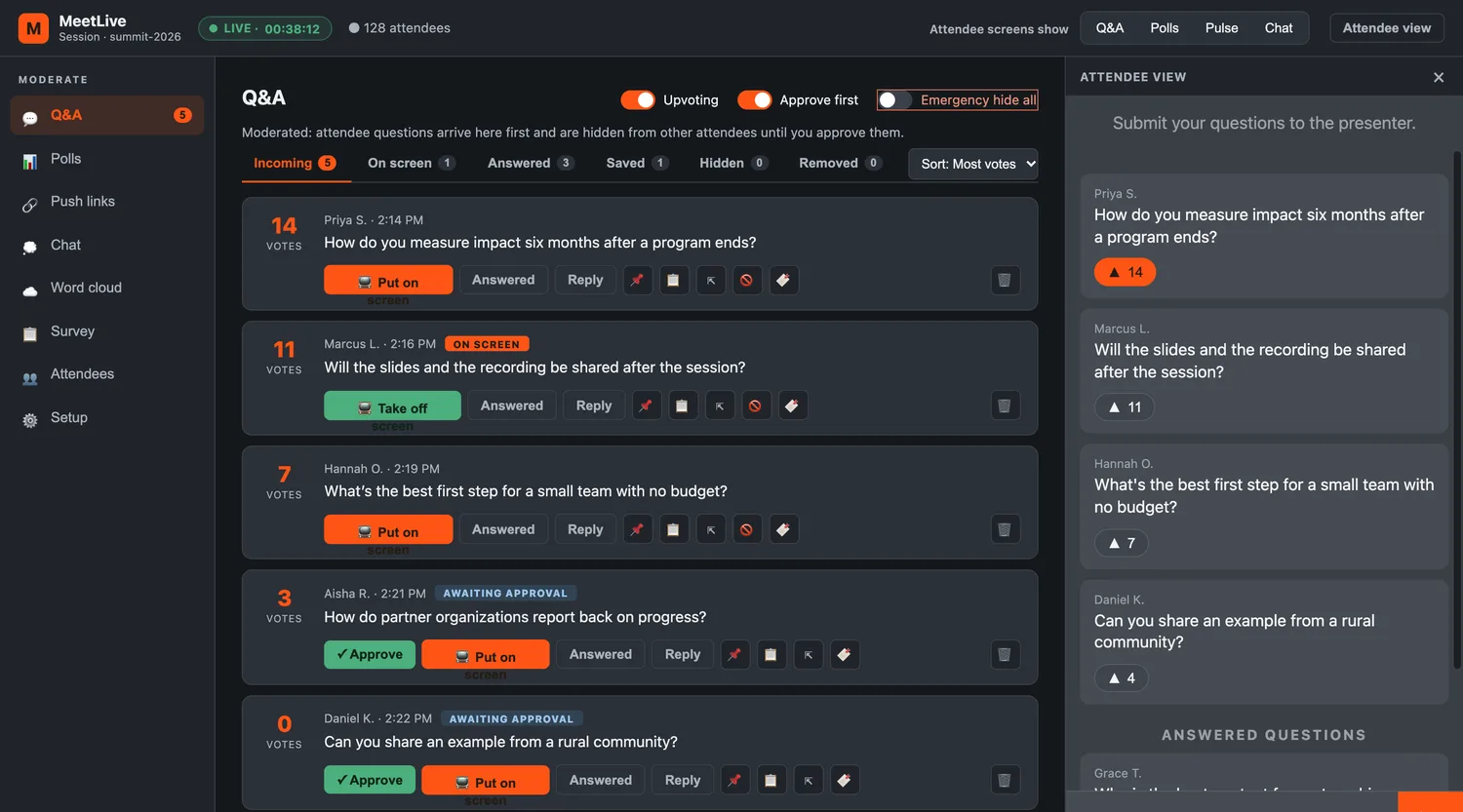
StagePulse moderator console showing live questions with vote counts and approve buttons
No app, no download. Attendees join from any phone or browser with one link or a QR code.
You stay in control. Approve questions before anyone sees them, and spotlight only what you choose.
Proof it worked. Every question, vote and reaction lands in a clean report the moment the event ends.
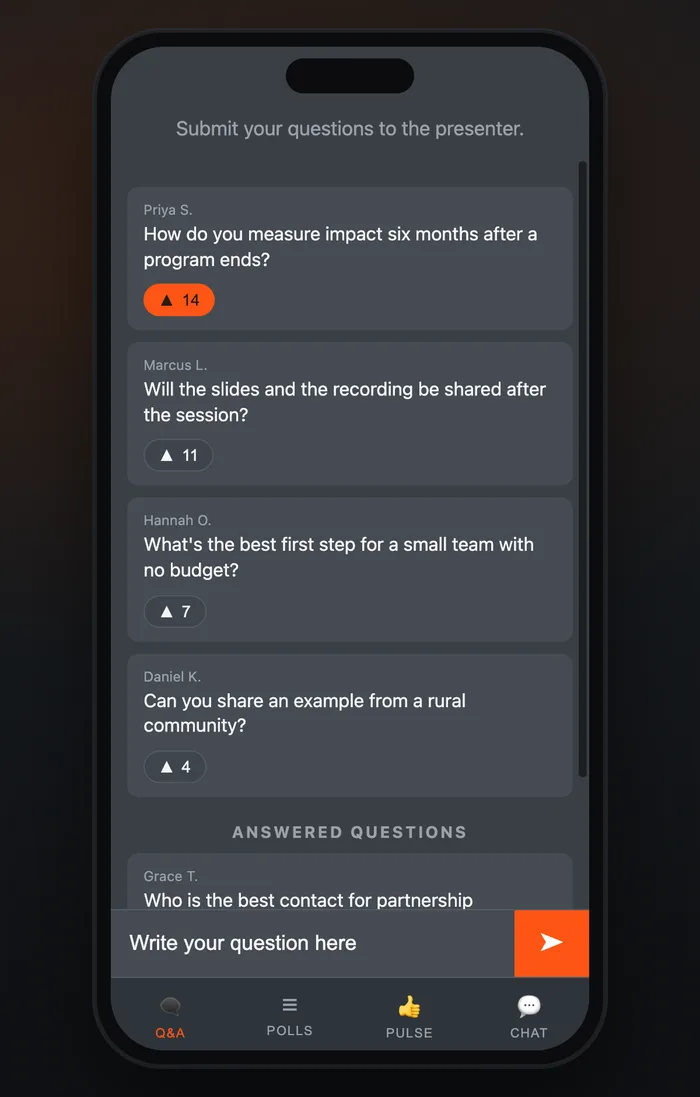
StagePulse attendee view on a phone showing top questions and an ask-a-question box
A clean experience for attendees. A focused, mobile-first panel to ask, vote, react and chat in a couple of taps. Registration captures a name and email, so every interaction is attributed.
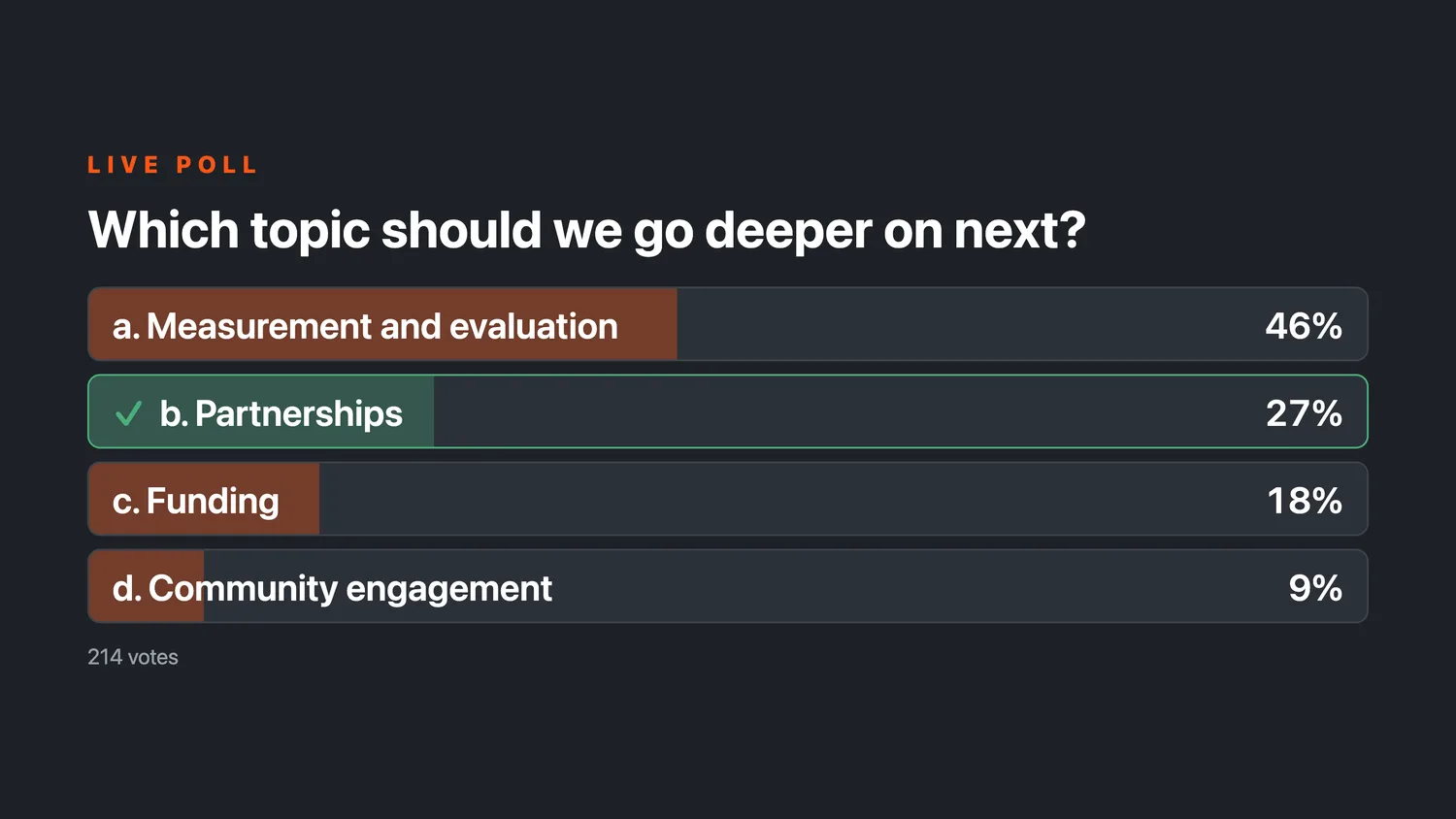
Live poll results with percentage bars and the correct answer highlighted
Polls and quizzes. Build single polls or multi-question sequences ahead of time, launch them when the moment is right and reveal results live. Mark a correct answer for a quick knowledge check.
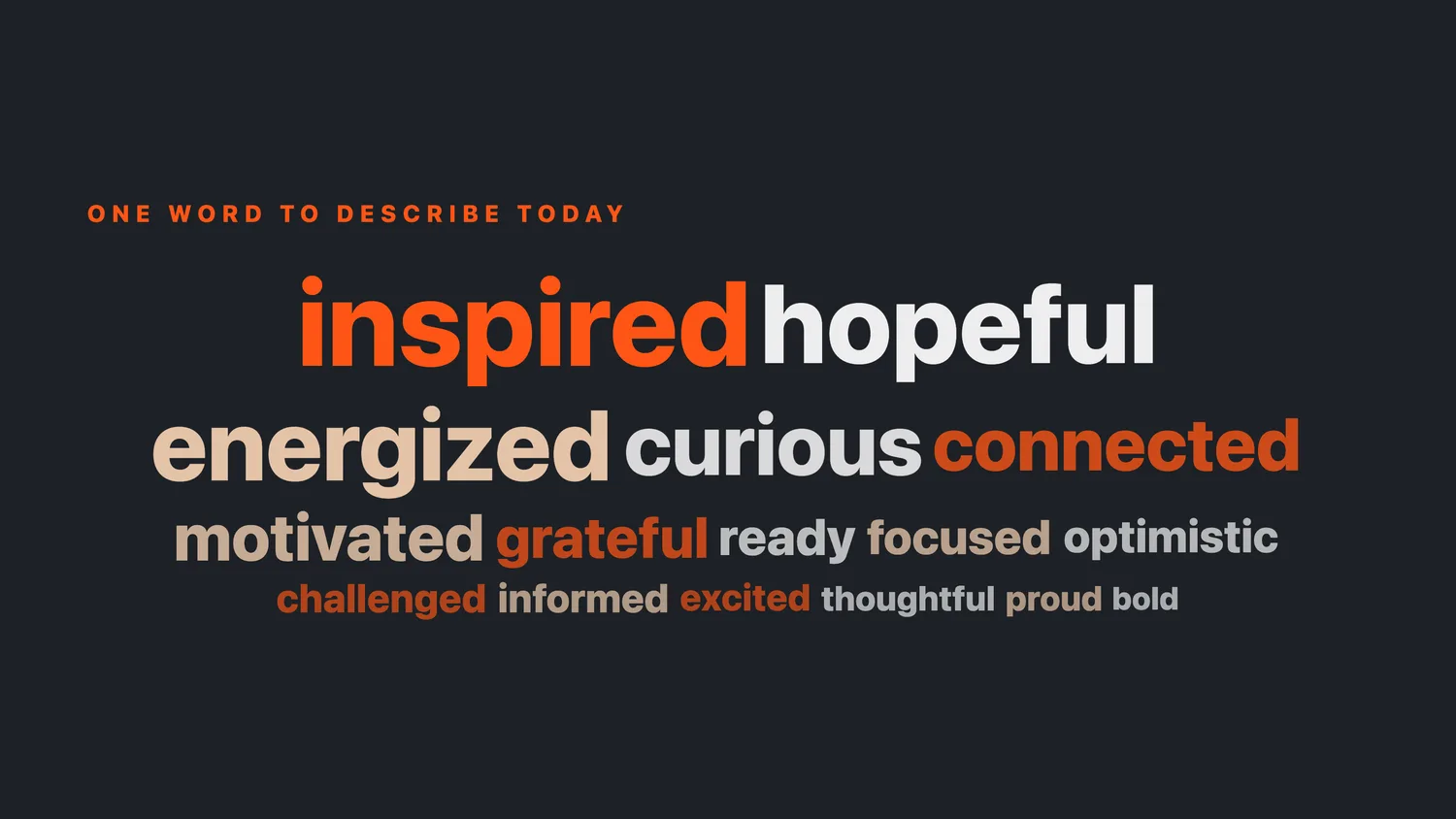
Word cloud of audience responses on the big screen
Live word cloud. Ask a one-word question and watch the room’s answers grow into a cloud. Built-in profanity filtering and one-click removal keep it on track.
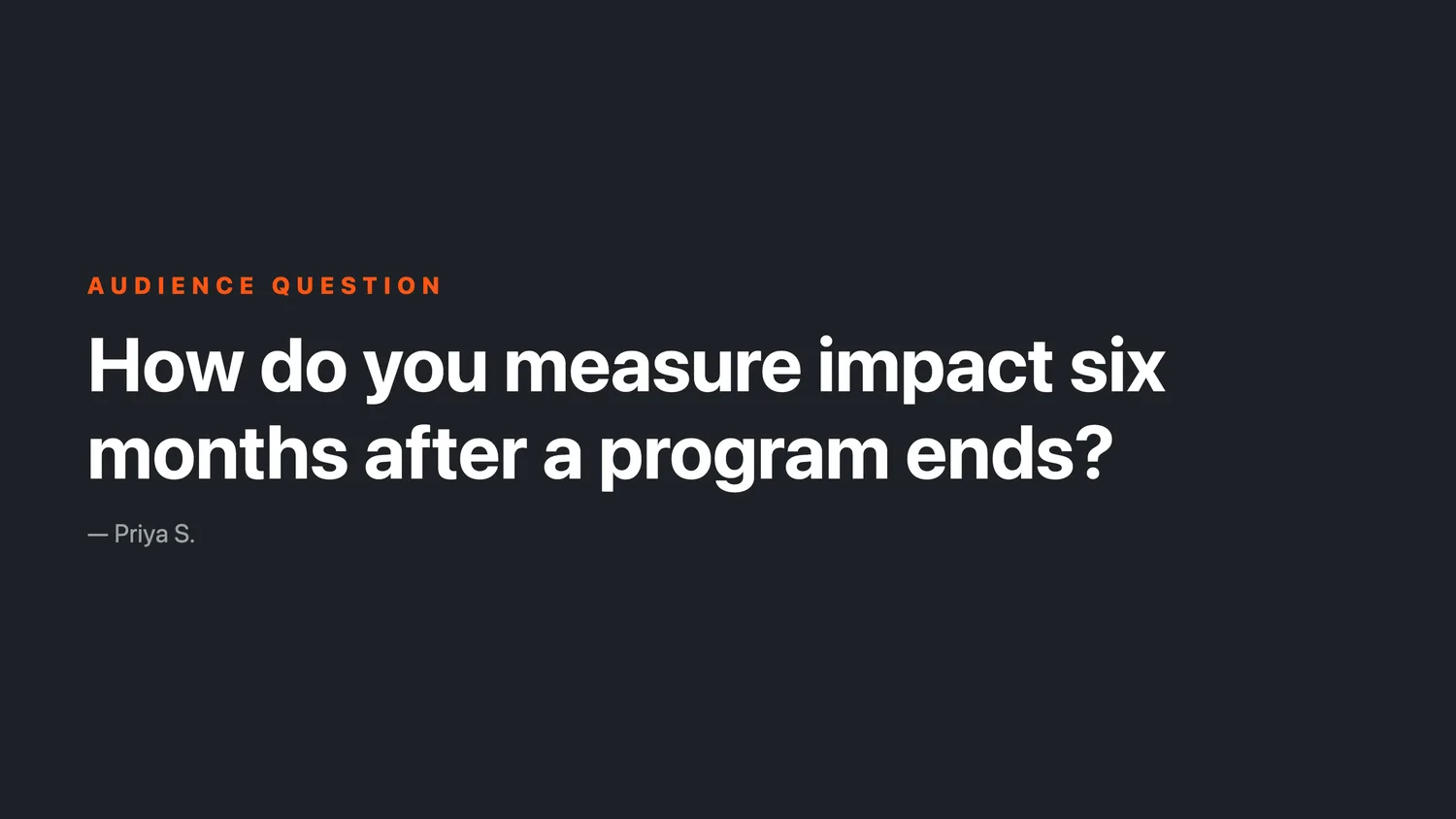
A spotlighted audience question on the big screen
Big-screen display. A full-screen view made for screen sharing and projection, with no toolbars. Spotlight a question or a poll with one click.
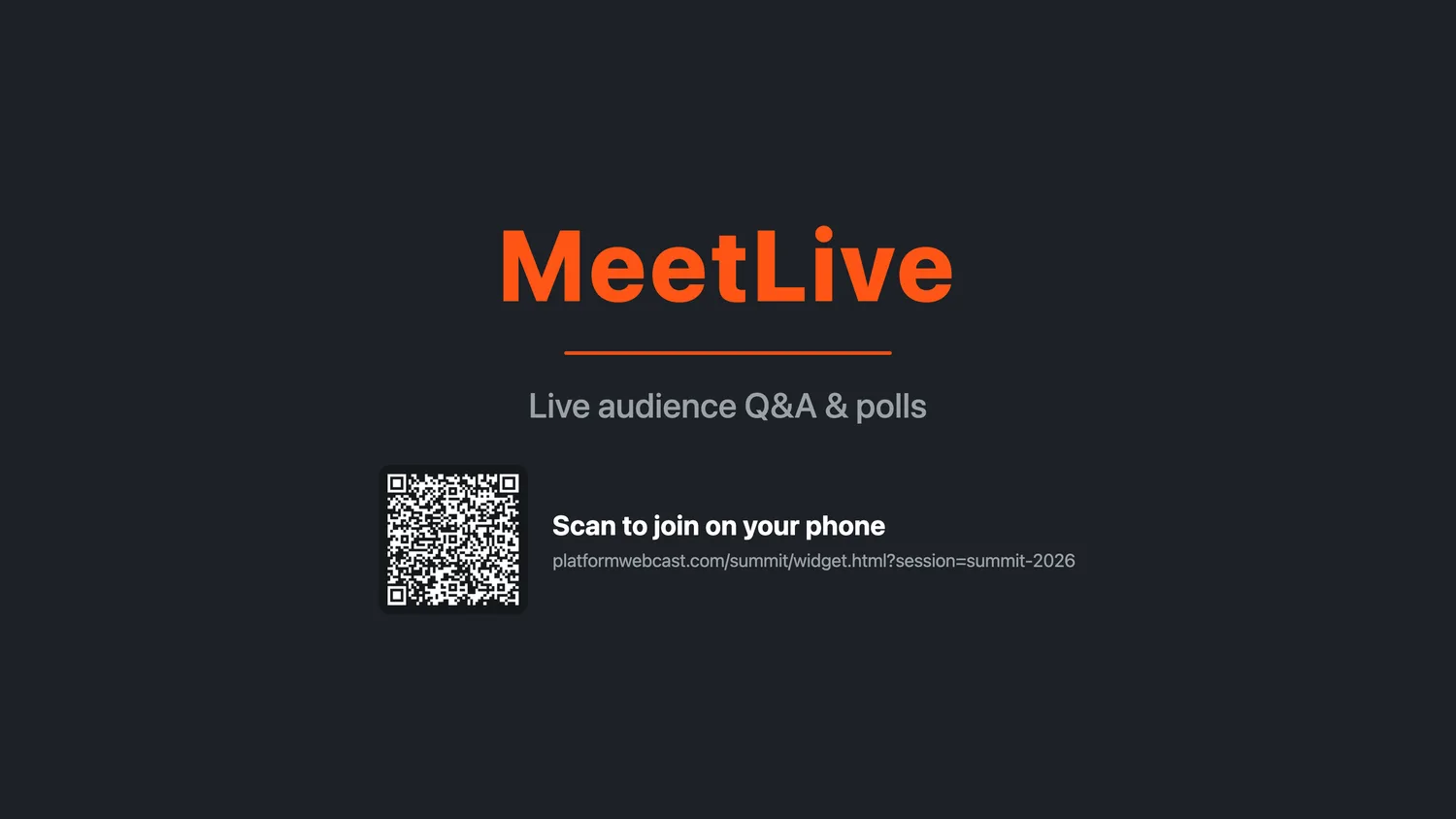
Holding screen with a QR code to join
Join in seconds. Between segments the holding screen shows a QR code, so anyone in the room can scan and join.
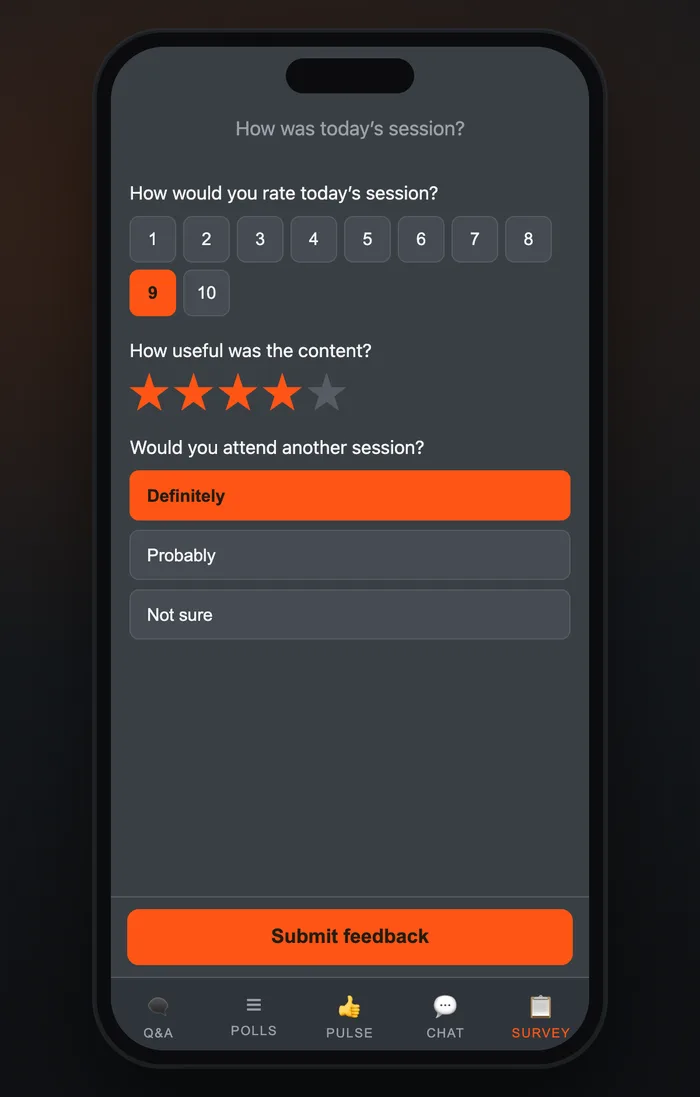
Post-event survey on a phone with a 1 to 10 rating scale
Post-event survey. Close with 1 to 10 scales, star ratings, multiple choice and open text. Results feed straight into your report.
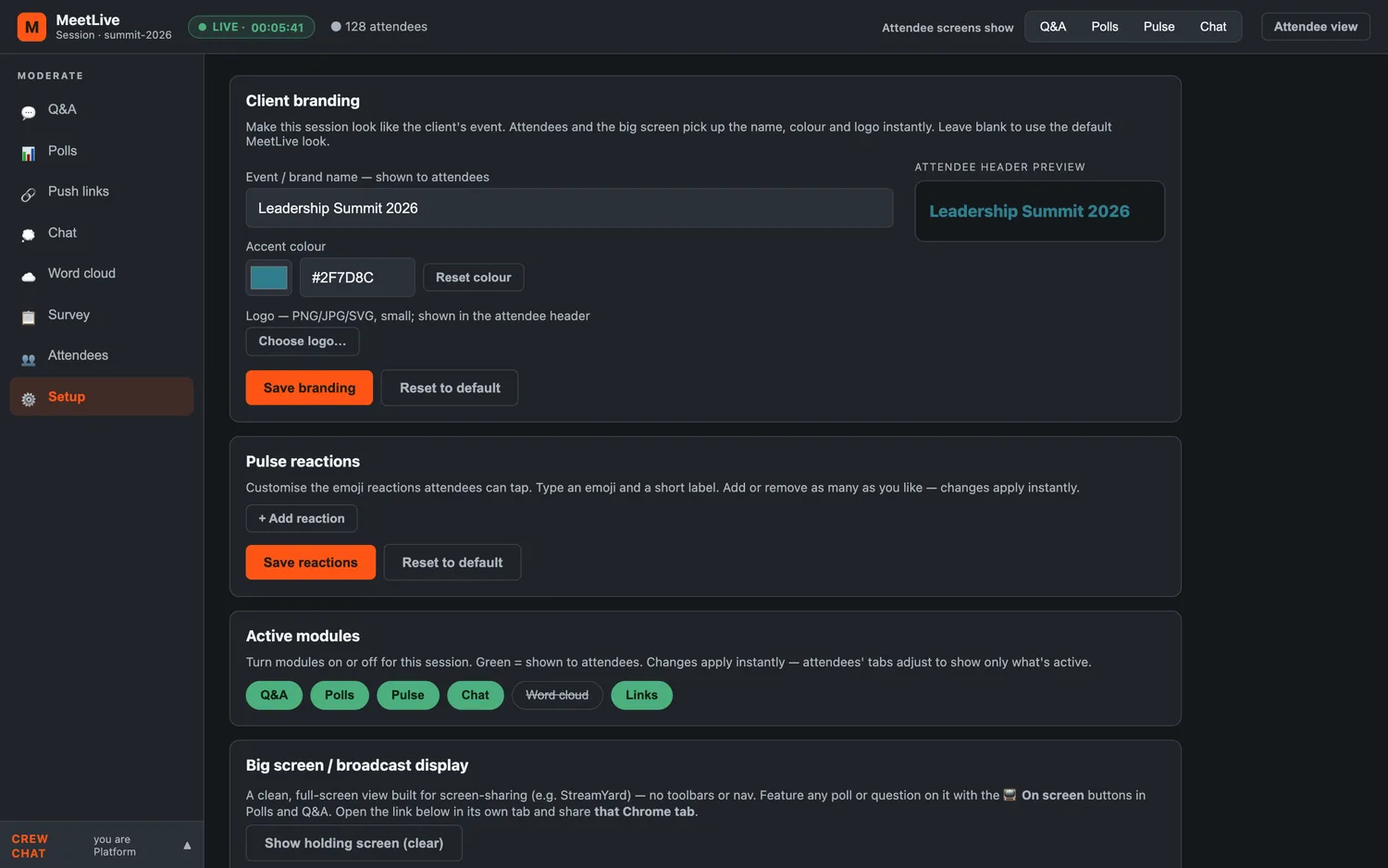
Branding settings with a logo, accent colour and live preview
Your brand, every event. Set each event’s name, accent colour and logo. The attendee panel and big screen update instantly, so it looks like your event.
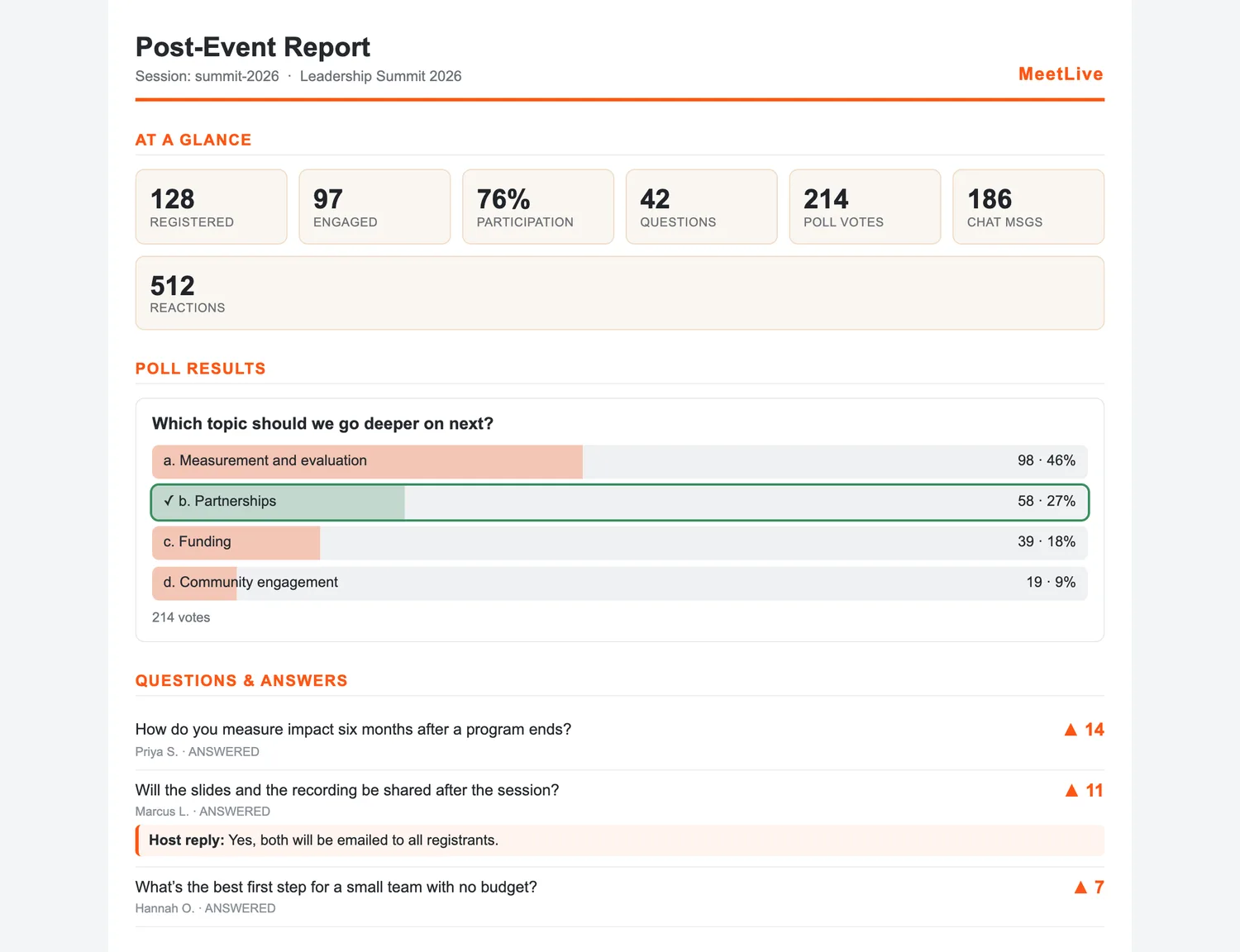
One-click post-event report with participation stats and poll results
Reports and data, instantly. One click produces a post-event report covering participation, polls, questions, reactions and survey scores, with an Excel export of everything.

Works with how you already stream: run your event in Zoom, StreamYard or your own platform. StagePulse sits alongside it as a second-screen link and shares its big-screen view into your broadcast.

Who it is for

Built for events that need the room to talk back

Conferences and AGMs

Moderated Q&A and polls for rooms of any size.

Town halls

Let staff ask openly while moderators keep it on track.

Webinars and broadcasts

Bring the audience into a live show on StageCloud Studio.

Do attendees need to install anything?

No. They join from any phone or browser with one link or a QR code.

Can I moderate from StageCloud Studio?

Yes. Pending questions appear in the studio, where your moderator can approve or reject them without switching tools.

Can I use it without StageCloud Studio?

Yes. StagePulse works alongside Zoom, StreamYard or your own platform as a second-screen link.

See StagePulse in action

We will walk you through a live event, start to finish.

Request a demo

  • ✓No app for attendees
  • ✓Moderated by you
  • ✓Reports in one click